Crew Command
Turning a real operating process into purpose-built software.
Crew Command is a role-based operations platform for coordinating people, properties, shifts, attendance, work completion, handoffs, hours, and daily management visibility.
Project context
What the system needed to make clear.
Operational work rarely begins in software. It begins with a crew, a property, a schedule, an exception, and the need to know what happened. Crew Command translates that real-world sequence into one connected system.
- Project
- ACC system
- Discipline
- Custom operations platform
- Current state
- Active Development
The constraint before the interface.
Schedules, time records, work requirements, handoffs, and team communication can become distributed across texts, spreadsheets, paper, and memory.
Generic workforce tools may record isolated events without reflecting the rules that connect a shift, property, checklist, attendance session, and completed history.
Build around the actual requirement.
ACC modeled the operation around employer and employee roles, then built each workflow around what a person needs to do before, during, and after a shift.
Validation, persistence, audit history, timezone handling, and production database behavior are treated as product requirements rather than implementation details.
Product walkthrough
How the experience moves from need to useful action.
- 01
Plan the work
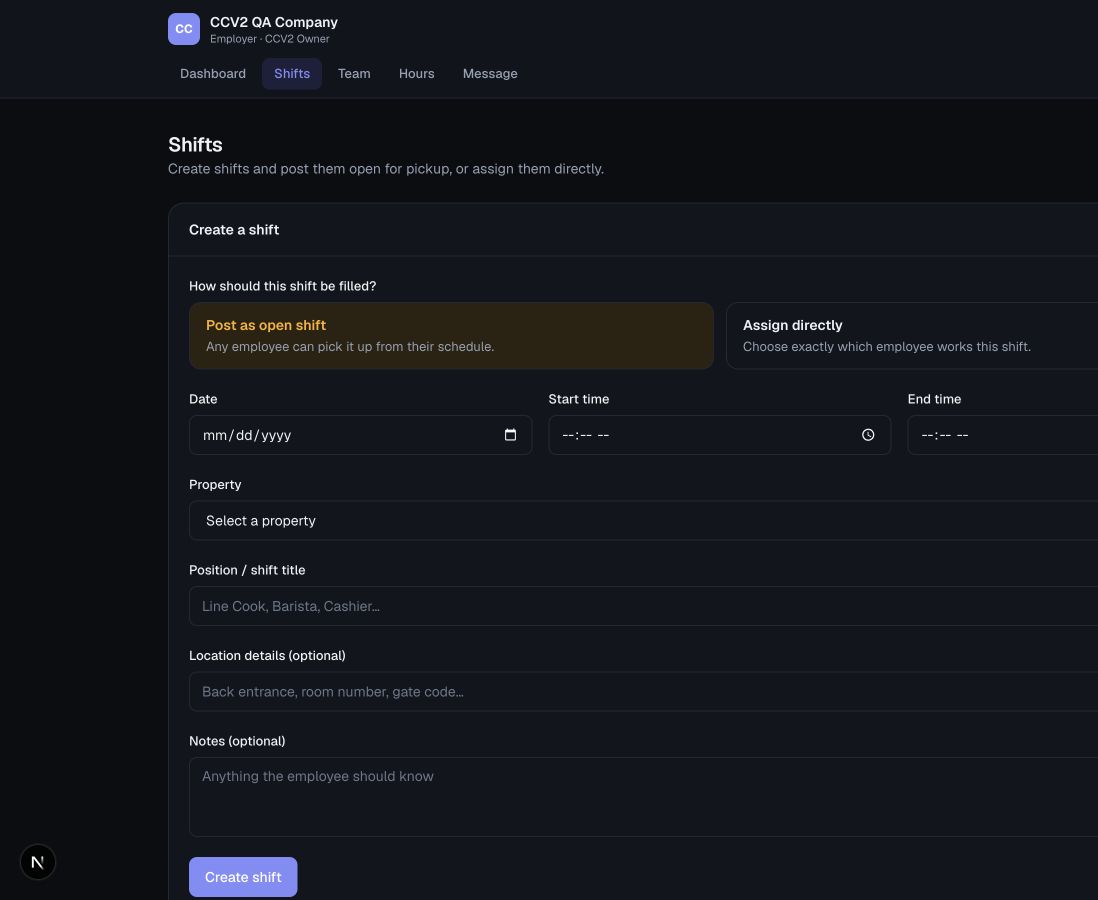
Owners create shifts, assign employees directly, or publish open shifts for pickup.
- 02
Connect place and responsibility
Properties, assignments, roles, and shift details establish the operational context.
- 03
Record attendance
Clock-in and clock-out sessions create durable worked-time records, including overnight shifts.
- 04
Resolve the work
Shift checklists require completion or a documented exception before employee clock-out.
- 05
Preserve the handoff
Handoffs and employee-to-owner messages retain context beyond the active shift.
- 06
Review and correct
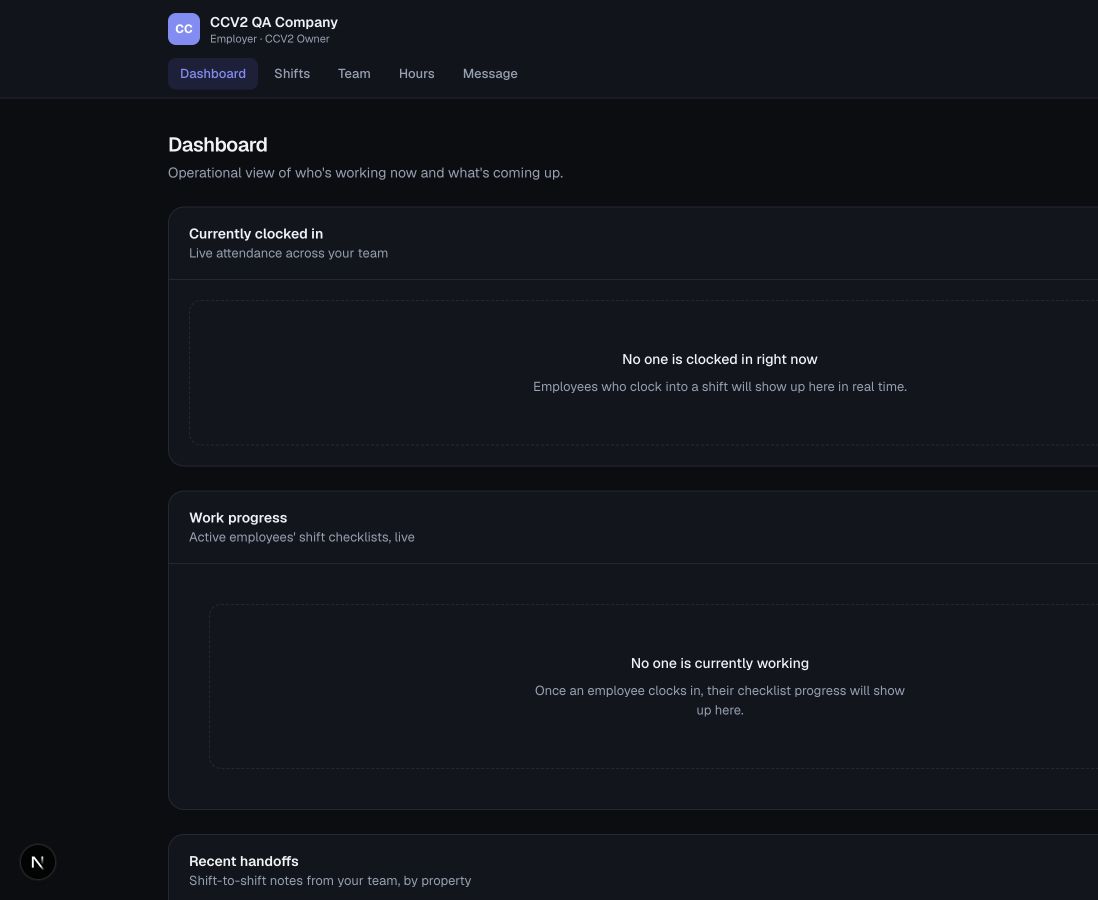
Owner dashboards, hours, gross-pay estimates, corrections, manual entries, and administrative clock-out support oversight.
System logic
The structure behind the visible experience.
Operational record
Technical depth
Engineering in service of the product.
Technology supports the operating story. It does not replace it.- Next.js
- React
- TypeScript
- Prisma
- Turso / libSQL
- Authentication
- Zod validation
- Vitest
- Playwright
- Employer and employee permissions
- Shift pickup, assignment, and drop flows
- Historical checklists and handoffs
- Time corrections and manual hour entries
- Production persistence and migrations
- DST-aware operating-time handling
Selected media
Current product evidence.
Business purpose
What this work is designed to enable.
The purpose is not simply to digitize a schedule. It is to give the operation one dependable place to coordinate work, preserve records, and understand what is happening across the business.
Start with the business problem